
Make Blurry Images Crisp with AI Super Resolution
Use SuperPixelAI for super resolution on soft portraits, ecommerce photos, anime art, and compressed web images in seconds.
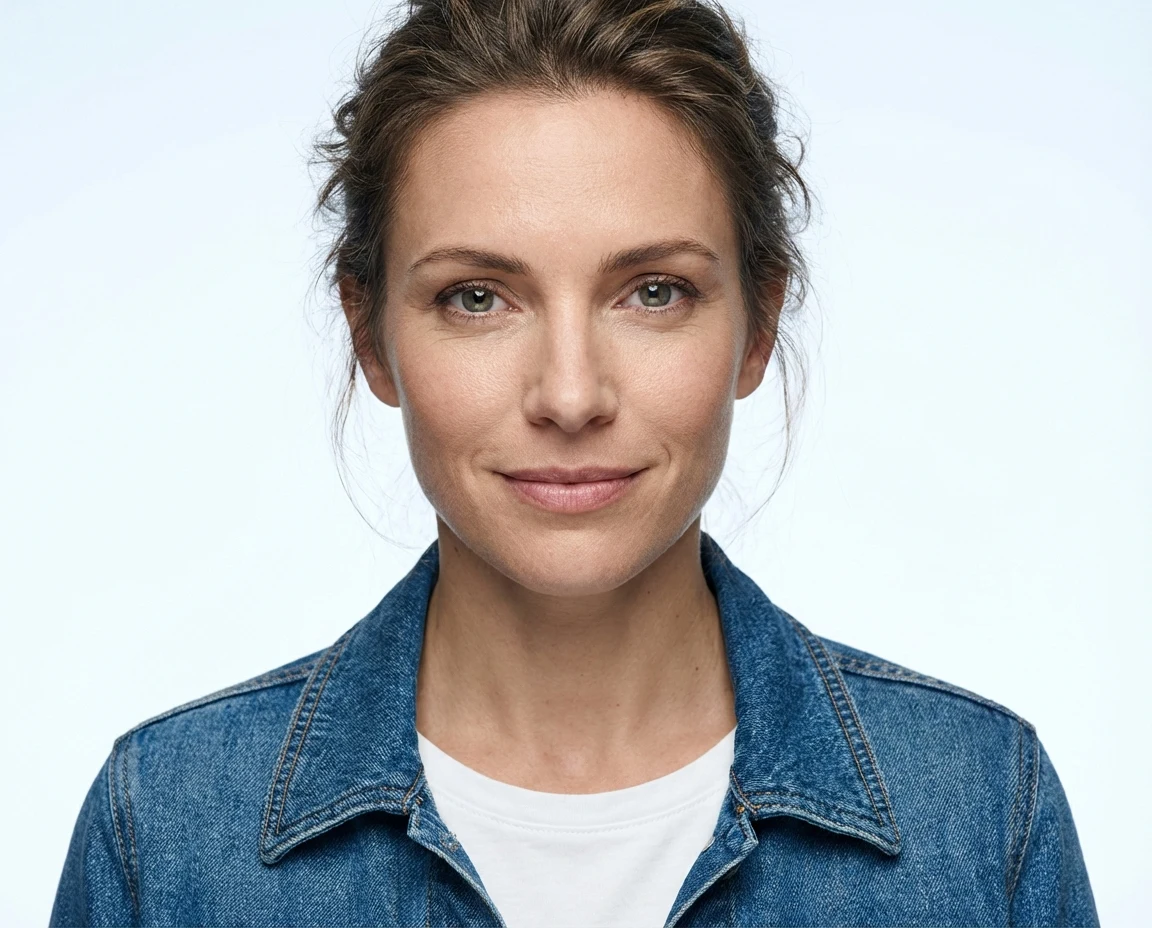
Preview the super resolution effect in the comparison frame on the right, then upload your own image below and run Real-ESRGAN instantly.
Public super resolution demo, no signup required. Best results come from JPG, PNG, or WebP uploads under 1440p.
Upload your image and run super resolution below
Choose 2x, 4x, or 8x, optionally enable face enhancement, and review the sharper super resolution result without leaving the homepage.
Start with one source image
Drag a JPG, PNG, or WebP here, or browse from your device.
JPG, PNG, WebP • Max 15MB. The model recommends images under 1440p for the fastest and cleanest output.
Face enhance
Useful for portraits, selfies, and softer facial details.
Original
Pick an image to see the uploaded source here.
Source image preview
Pick an image to see the uploaded source here.
Upscaled
Your sharpened result appears here after the run finishes.
Enhanced output
Your sharpened result appears here after the run finishes.
What Super Resolution Does for Your Images
SuperPixelAI turns blurry or undersized files into cleaner deliverables by making AI super resolution a repeatable production step for teams and creators.
Recover edges and texture
Bring back readable contours, fabric detail, and surface texture instead of simply stretching pixels.
Upscale for 2x and 4x delivery
Prepare sharper assets for storefronts, social posts, catalogs, and internal review decks.
Tune for different image types
Switch between portrait, anime, product, and archive-friendly enhancement styles.
Compare before you export
Use side-by-side previews to judge whether the enhanced image is ready to publish.
Why Teams Choose Super Resolution
The value of super resolution is not just bigger images. Super resolution helps teams move faster, avoid reshoots, and ship better looking assets wherever they appear.
How Super Resolution Fits Into Your Workflow
A simple three-step super resolution workflow for everyday production.
Upload the original image
Start with a low-resolution, blurred, compressed, or legacy image that still needs to look presentable.
Choose a mode and scale
Pick the subject type and output size so the super resolution model can focus on the right kind of detail recovery.
Review and export the result
Check the before-and-after super resolution preview, then export a sharper image for web, marketplace, or print prep.
Core Super Resolution Features
A focused first release for image enhancement teams that need fast, reliable super resolution, sharper output, and consistent turnaround time.
Detail-aware upscale
Recover usable edges and fine texture without turning every surface into plastic gloss.
Portrait-friendly enhancement
Keep faces, skin texture, and hair readable while cleaning soft phone or studio captures.
Anime and illustration support
Preserve line art, gradients, and bold color separation for stylized images.
Product photo recovery
Improve ecommerce crops, packaging shots, and catalog images before republishing.
Batch-friendly operations
Process repeat image sets with a consistent super resolution profile for campaigns and libraries.
QA before export
Compare original and enhanced files before the asset reaches marketing, design, or archive teams.
Frequently Asked Questions About Super Resolution
Questions about our AI super resolution workflow? Email support@superpixelai.com.
Put Super Resolution Into Your Image Pipeline
SuperPixelAI helps you turn blurry source material into sharper, publishable assets with fast AI super resolution.